
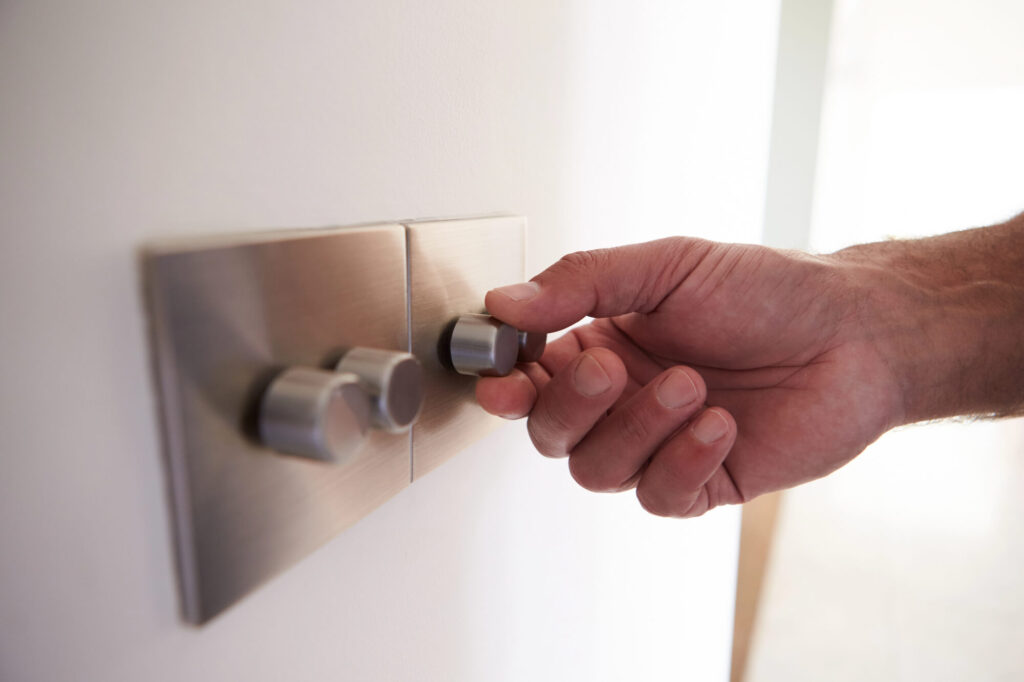
Smart switches are the foundation of a practical whole-home smart lighting system. Unlike smart bulbs, they work with any bulb type, allow normal physical switch use, and don’t stop working if someone turns the switch off. Choosing the right smart switch brand and ecosystem is a long-term decision — here’s what to consider and what the leading options offer.
Contents
⚡ Key Takeaways
- Before buying, understand the key factors that determine which smart switch will work in your home and meet your needs.
- These brands consistently receive high marks for reliability, compatibility, and ease of use.
- If you have rooms where a single fixture is controlled from two or more switch locations (common in hallways, stairways, and large rooms), you need smart switches designed for three-way use.
What to Look for in a Smart Switch
Before buying, understand the key factors that determine which smart switch will work in your home and meet your needs.
Neutral Wire Requirement
Most smart switches require a neutral wire at the switch location to maintain standby power. Check your switch boxes before purchasing — if you only see two or three wires (hot, switched-hot, and possibly ground), with no white neutral wire, you either need a no-neutral switch or an electrician to add neutrals. Many modern smart switches now offer no-neutral versions, but they sometimes have limitations on minimum load and dimming performance.
Protocol: Wi-Fi, Z-Wave, Zigbee, or Proprietary
Wi-Fi switches connect directly to your home network with no hub required — simple to set up but can strain a busy network. Z-Wave and Zigbee switches require a compatible hub but create reliable mesh networks and use very little power. Proprietary systems (like Lutron’s ClearConnect) use dedicated radio frequencies designed specifically for switch control — highly reliable but require the brand’s own hub. Matter, the new smart home interoperability standard, is increasingly supported and allows devices from different brands to work together.
Top Smart Switch Options for Home Use
These brands consistently receive high marks for reliability, compatibility, and ease of use.
Lutron Caseta: Best Overall Reliability
Lutron Caseta switches use Lutron’s proprietary ClearConnect radio protocol with a dedicated Lutron Smart Bridge hub. The proprietary protocol is designed specifically for lighting control, delivering exceptional reliability even in dense Wi-Fi environments. Caseta works with all major voice assistants (Alexa, Google Home, Apple HomeKit, Siri) and integrates with hundreds of smart home platforms. The switches are available in dimmer and on/off versions, with a unique no-neutral option that works reliably even with low-load LED circuits. Cost: $50–$70 per switch plus $80–$100 for the Smart Bridge hub. The premium price is justified by best-in-class reliability.
Leviton Decora Smart: Best Value Wi-Fi Option
Leviton’s Decora Smart switches are a reliable Wi-Fi option at a more accessible price point ($35–$55 per switch, no hub required for Wi-Fi models). They support Alexa, Google Home, and HomeKit, have a clean traditional Decora appearance, and are available in a wide range of configurations including dimmers, fan speed controls, and motion-sensing switches. Leviton also offers a Zigbee version compatible with Amazon’s Echo hub products.
Our smart home electricians can install any of these switches and ensure your wiring is compatible — call us to get started.
GE Cync (formerly GE Enbrighten): Best Budget Option
GE’s Cync smart switches offer solid performance at lower price points ($25–$45 per switch). Available in Wi-Fi and Z-Wave versions, they support all major voice assistants and have a simple app interface. The Z-Wave versions are compatible with popular hubs like SmartThings and Home Assistant. Build quality is slightly below Lutron and Leviton, but for budget-conscious installations they provide good value.
TP-Link Kasa: Best for Large Installations
TP-Link’s Kasa smart switches are frequently the most affordable option ($20–$40 per switch) and offer good reliability for a direct Wi-Fi solution. With a straightforward app, support for Alexa and Google Home (and basic HomeKit support), and wide availability, Kasa is a practical choice for whole-home installations where cost is the primary driver. The Kasa Matter switches now offer interoperability with all Matter-compatible ecosystems.
Three-Way Smart Switch Configurations
If you have rooms where a single fixture is controlled from two or more switch locations (common in hallways, stairways, and large rooms), you need smart switches designed for three-way use. Most major brands offer companion switches for these configurations. Typically, one location gets the “smart” switch and other locations get “accessory” or “auxiliary” switches that work with the primary smart switch — at somewhat higher total cost per location than a single-switch installation.
Wireless Mesh Networks and WiFi Standards for Smart Switches
Wireless smart switches rely on either WiFi direct, mesh networks, or proprietary protocols. WiFi-based switches connect directly to your home WiFi but can become unreliable if your WiFi signal is weak near the switch location. Mesh network systems (like Zigbee or Z-Wave) use low-power protocols and create self-healing networks where switches relay signals through each other, extending range and improving reliability even in homes with poor WiFi coverage. Zigbee-based systems are generally more reliable for smart home integration than WiFi switches in older homes with dense walls or metal framing that blocks wireless signals.
Consider your existing smart home ecosystem when choosing switches—Z-Wave switches work best in Z-Wave networks, Zigbee systems integrate seamlessly with Zigbee hubs, and WiFi switches depend on your router’s performance. Mixing protocols requires bridge devices that translate signals, adding complexity and potential points of failure. High-end systems use hardwired communication where possible, with wireless backup, providing maximum reliability. Installation complexity also varies significantly—some switches require neutral wire connections (common in newer homes, less common in older homes), while others work with 2-wire circuits typical of older installations. Licensed electricians can assess your existing wiring, recommend appropriate switch types for your home’s electrical design, and ensure wireless networks function reliably throughout your home.
Frequently Asked Questions
Do smart switches work without Wi-Fi?
Most smart switches retain their manual functionality even without Wi-Fi — you can turn lights on and off at the switch as normal. Remote control, scheduling, and voice control require network connectivity. Z-Wave and Zigbee systems with a local hub often maintain automation functionality even without internet access, since processing happens locally.
Can I mix smart switch brands?
You can use different brands in different rooms, but mixing brands within a single smart home ecosystem (especially for three-way configurations) is generally not recommended. Each brand’s switches need to communicate with each other for multi-switch configurations. You can often integrate different brands under a common control platform like Google Home, Alexa, or HomeKit, but per-room consistency is simpler to set up and manage.
Will smart switches work with LED bulbs?
Yes, but confirm compatibility — particularly for dimmers. Not all LED bulbs dim smoothly with all smart dimmers. Most reputable smart switch brands maintain compatibility lists on their websites. When using Lutron Caseta dimmers, check Lutron’s bulb compatibility database before purchasing bulbs.
How hard is it to install a smart switch?
For a standard single-pole switch with a neutral wire present, smart switch installation is straightforward and takes 15–30 minutes per switch. Three-way configurations are more complex. If you’re not comfortable working inside electrical boxes, a licensed electrician can typically install 5–10 switches in a few hours at reasonable cost.
What happens to my smart switches if the manufacturer goes out of business?
This is a legitimate long-term concern with smart home technology. Wi-Fi switches that require a cloud account to function may stop working if the manufacturer ceases operations. Local-control options (Z-Wave, Zigbee, or Matter devices) are more resilient — they can be controlled locally via compatible hubs even if the original manufacturer is no longer operating. Established brands like Lutron and Leviton have been in the market for decades and provide more confidence in long-term support.