
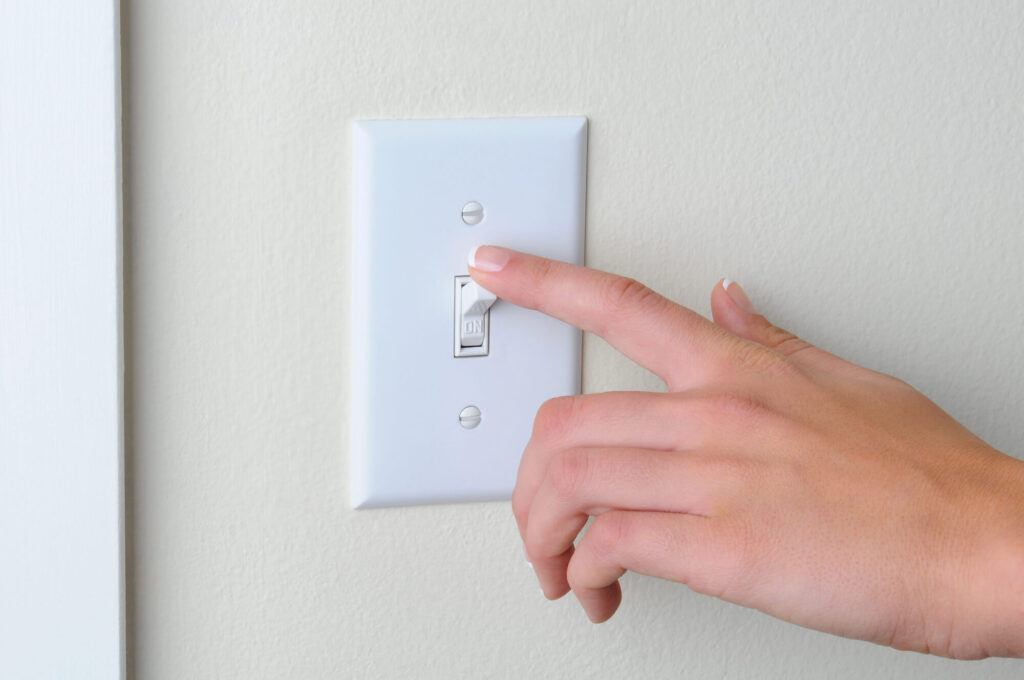
Installing smart switches is one of the most impactful upgrades you can make to your home’s lighting system. Smart switches replace standard light switches and allow you to control lights remotely via app, voice assistant, or automated schedules — without changing your existing light bulbs or fixtures. This guide covers how installation works, what to look for, and when to call a licensed electrician.
⚡ Key Takeaways
- Smart switches are Wi-Fi, Z-Wave, or Zigbee-enabled light switches that replace your existing wall switches.
- Most smart switches require a neutral wire to operate.
- Smart switch installation costs vary based on the number of switches and whether neutral wires need to be added:
What Are Smart Switches?
Smart switches are Wi-Fi, Z-Wave, or Zigbee-enabled light switches that replace your existing wall switches. They connect to your home network and allow control via smartphone app, Amazon Alexa, Google Home, or Apple HomeKit. Most models also retain manual on/off functionality so they work like a normal switch even if the internet is down.
Do Smart Switches Require Special Wiring?
Most smart switches require a neutral wire to operate. The neutral wire (typically white) carries current back to the panel and is needed by the smart switch’s electronics to stay powered even when the light is off. Many older homes — particularly those built before the 1980s — lack neutral wires at switch locations. In these cases, you have two options:
- Install a “no-neutral” smart switch (available from several manufacturers, with some limitations)
- Have an electrician run a neutral wire to the switch location ($50 – $150 per switch)
Cost to Install Smart Switches
Smart switch installation costs vary based on the number of switches and whether neutral wires need to be added:
- Smart switch hardware: $30 – $80 per switch
- Professional installation (neutral wire present): $75 – $150 per switch
- Professional installation (neutral wire required): $125 – $250 per switch
- 3-way smart switch setup (two switches, one light): $150 – $350 installed
- Whole-home smart switch upgrade (10–20 switches): $1,000 – $4,000
Smart Switch vs. Smart Plug: Which Is Right for You?
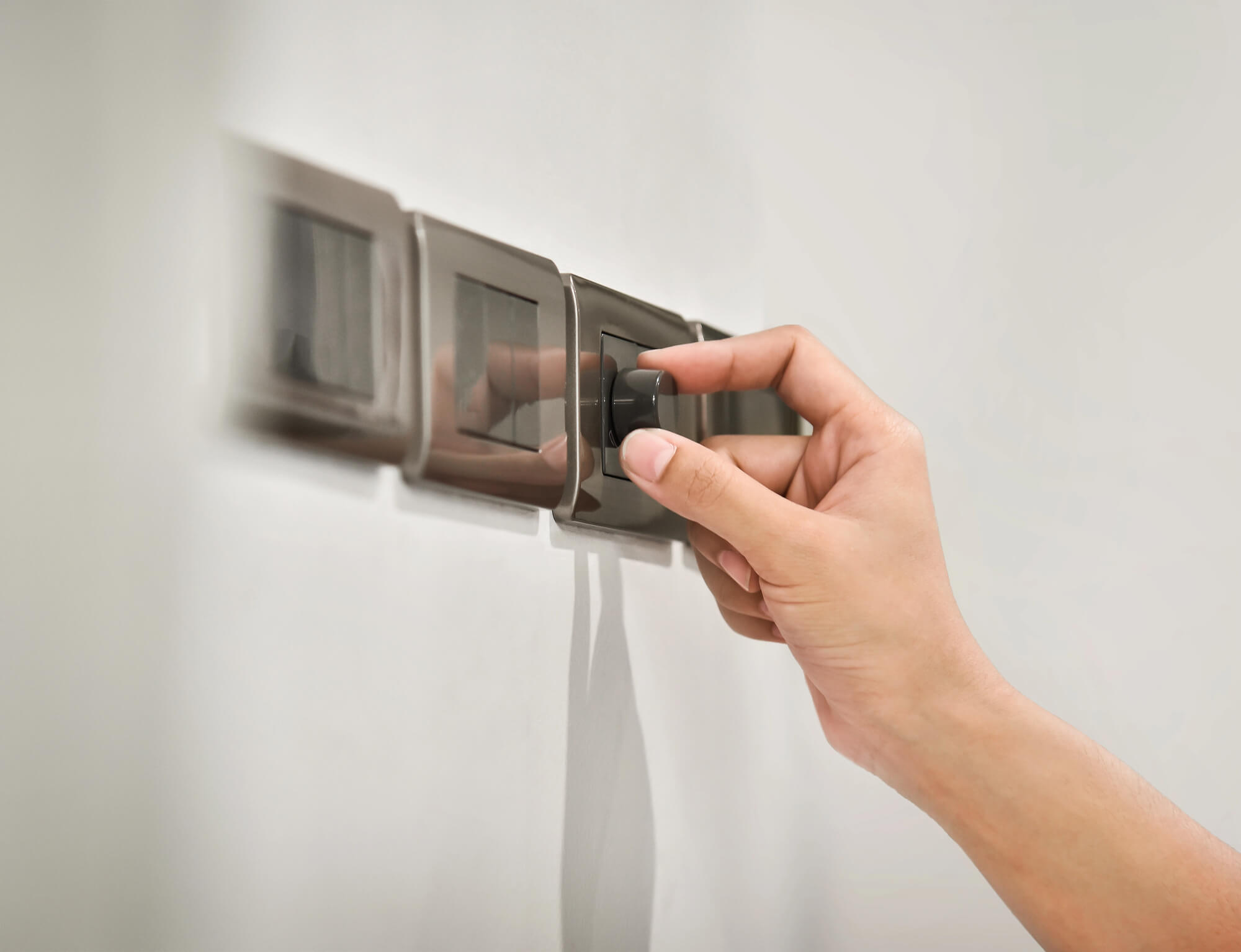
Smart plugs are simpler alternatives that plug into existing outlets and let you control lamps and small appliances remotely. They don’t require any wiring work. However, they don’t control hardwired ceiling lights or fixtures controlled by wall switches. For overhead lighting, smart switches are the better solution.
3-Way Smart Switches
A 3-way switch setup controls a single light from two locations (e.g., top and bottom of a staircase). Smart 3-way switches require compatible hardware at both locations and slightly more complex wiring. Most major smart switch brands offer 3-way companion switches — always check compatibility before purchasing.
Smart switch installation is straightforward with the right wiring. Our electricians can install smart switches throughout your home and ensure your wiring supports them properly.
Tools and Materials Needed for Smart Switch Installation
Installing smart switches is straightforward and requires minimal tools compared to other electrical work. You’ll need a voltage tester to confirm power is off before beginning, a screwdriver set for removing old switches and mounting new ones, a small flashlight to see inside the switch box, and needle-nose pliers for handling wire connections. Some electricians use a wire gauge tool to verify conductor sizes. For materials, you need the smart switch itself (compatible with your smart home ecosystem), replacement wire nuts if the existing ones are damaged, electrical tape, and possibly a neutral wire if your existing switch box lacks one. Smart switch brands like Leviton Decora, GE Enbrighten, Lutron Caseta, and Kasa by TP-Link offer various integration options (WiFi, Z-Wave, or Zigbee). Before purchasing, verify that your switch box has a neutral conductor—older homes sometimes lack a neutral in light switch boxes, requiring a more expensive smart switch with no neutral requirement or running a new neutral from the breaker panel. Most smart switches require 15-20 amps of capacity; verify your existing breaker can handle the connected lighting load. If you’re uncertain about wire gauges, neutral requirements, or circuit capacity, have a licensed electrician evaluate your installation before you proceed.
Step-by-Step Smart Switch Installation
Begin by turning off power at the breaker panel and using a voltage tester to confirm the switch is dead—this is critical for your safety. Remove the cover plate and unscrew the old switch, gently pulling it out of the box. Take a photo of the existing wire connections before disconnecting anything. Disconnect the wires by unscrewing terminal screws or gently pulling out push-in connections. Most standard switches have two hot (colored) wires and a ground wire; smart switches may also require a neutral (white) wire. If the previous switch didn’t use a neutral and your box lacks one, you’ll need to run one from the breaker panel or select a smart switch rated to work without a neutral. Connect wires to your new smart switch following the manufacturer’s diagram: hot/line to the line terminal, load/switch leg to the load terminal, neutral to neutral (white), and ground to green. If the switch box is crowded, you may need to coil excess wire inside the box rather than cutting it; never cut through live wire. Press the switch carefully into the box, align the mounting holes, and screw it down. Attach the cover plate and restore power at the breaker. Download the smart switch manufacturer’s app, add the device to your smart home network, and test the manual button and remote control functionality.
Common Installation Problems and Troubleshooting
One frequent issue is missing neutral wires in older homes. The switch box may have only line (hot), load (switch leg), and ground—no neutral. If this is your situation, you have three options: run a new neutral from the breaker panel (requires opening walls and professional installation), purchase a smart switch rated to work without a neutral (these cost more and have reduced functionality), or have a licensed electrician assess your box and wiring configuration. Another problem is wireless connectivity; some smart switches lose connection to WiFi if the router is too far away or if walls and interference block the signal. Placing a WiFi extender nearby or choosing a Z-Wave switch (which has greater range and uses a mesh network) solves this. Some homeowners struggle with app setup and network configuration. Most smart switches require creating an account with the manufacturer, connecting to your home WiFi network, and granting permissions in your smart home hub (if used). Follow the app instructions carefully and don’t skip network security steps. A third issue is incompatibility with existing light fixtures; some LED bulbs cause dimming switches to flicker, requiring bulbs specifically rated for dimmer use or a smart switch with better LED compatibility. Finally, some users experience unexpected behavior (switches turning on/off randomly) due to motion sensors, voice commands, or automation routines being triggered accidentally. Review your automation settings and disable any rules you didn’t intentionally create. If problems persist, reset the switch to factory defaults and reinstall.
When to Hire a Licensed Electrician
While tech-savvy homeowners sometimes install smart switches themselves, hiring a licensed electrician is recommended when:
- Your home lacks neutral wires at switch locations
- You’re installing 3-way or 4-way smart switch systems
- You’re upgrading an entire home’s worth of switches
- You’re unsure about wiring identification in older homes
Frequently Asked Questions
Will smart switches work if my internet goes down?
Yes. Most smart switches retain full manual on/off functionality at the switch itself regardless of internet connectivity. App and voice control requires an active internet connection, but local control always works.
Can I use smart switches with any light bulb?
Generally yes — smart switches control the power to the fixture rather than the bulb, so they work with any bulb type including LED, CFL, and incandescent. If using a smart dimmer switch, ensure bulbs are marked as “dimmable.”
Do smart switches use electricity when lights are off?
Yes, but minimally. Smart switches draw a small standby current (typically 0.5–1 watt) to maintain their Wi-Fi or wireless connection. The annual cost of this standby power is typically less than $1 per switch.
Do I need a hub for smart switches?
It depends on the platform. Wi-Fi smart switches connect directly to your router with no hub required. Z-Wave and Zigbee switches require a compatible hub (such as SmartThings or a similar controller). Check your chosen switch’s requirements before purchasing.