
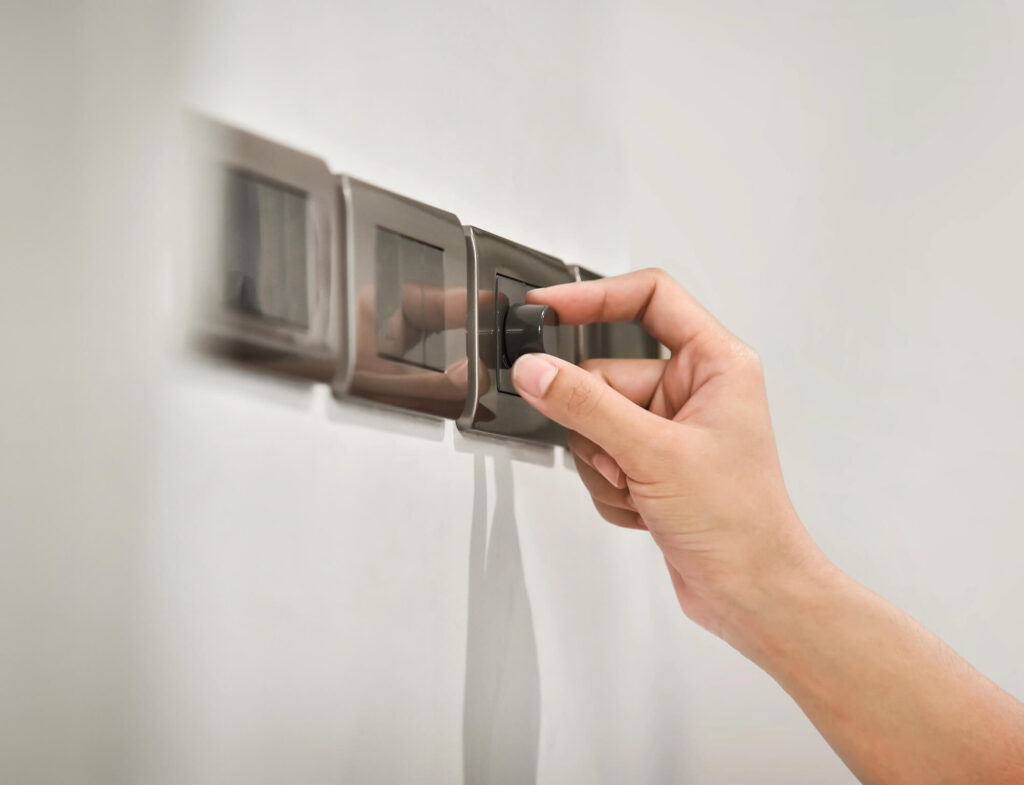
Flickering lights on a dimmer switch can range from a minor annoyance to a sign of a serious electrical issue. Whether it happens occasionally or constantly, understanding the cause is the first step toward a safe, reliable fix.
Contents
⚡ Key Takeaways
- Most dimmer switch flickering is caused by incompatible bulbs or an undersized dimmer
- LED bulbs require LED-compatible dimmers — older dimmers cause flickering and humming. The ENERGY STAR program certifies dimmable LED bulbs that have been tested for compatibility with modern dimmer switches, so look for the ENERGY STAR label when replacing bulbs.
- Loose wiring connections are a common and potentially dangerous cause of flickering
- A minimum load requirement on the dimmer must be met for stable operation
- Persistent flickering after bulb and dimmer replacement warrants a licensed electrician
Why Does My Dimmer Switch Cause Flickering?
Dimmer switches work by rapidly cycling power on and off to reduce the amount of electricity reaching a bulb. When the bulb, dimmer, and electrical system aren’t perfectly matched, this cycling can produce visible flickering. The most common reasons include bulb incompatibility, minimum load issues, and wiring problems.

Incompatible LED Bulbs
The most frequent cause of flickering on a dimmer is using LED bulbs that aren’t rated as “dimmable” or that aren’t compatible with your specific dimmer model. Traditional dimmers were designed for incandescent bulbs. LEDs use different internal circuitry, and many LEDs — even some labeled dimmable — flicker or buzz with older trailing-edge or leading-edge dimmers.
Fix: Replace with bulbs specifically listed as compatible with your dimmer. Check the dimmer manufacturer’s compatibility list online, or replace the dimmer with a modern LED-compatible model.
Minimum Load Requirements
Many dimmers require a minimum wattage load to operate correctly. If you’re using low-wattage LEDs across a circuit, you may fall below this threshold — causing flickering, drop-out at low settings, or the light turning off entirely at the bottom of the range.
Fix: Check your dimmer’s specifications for minimum load requirements. Most modern LED dimmers have a much lower minimum load (as little as 10W), making them far more compatible with today’s efficient bulbs.
Loose or Faulty Wiring Connections
Loose wire connections at the dimmer switch, at the fixture, or anywhere along the circuit can cause intermittent flickering. This is more serious than a compatibility issue — loose connections create arcing, which generates heat and is a fire hazard.
Signs of a wiring issue: Flickering that is random or inconsistent, flickering in multiple rooms simultaneously, or a warm/discolored switch plate.
Fix: Turn off the circuit breaker and inspect all connections. Tighten any loose wire nuts and ensure wires are firmly seated in the dimmer terminals. If you’re not comfortable working inside electrical boxes, call a licensed electrician.
Wrong Dimmer Type for Your Wiring
Some homes have 3-way or 4-way switch configurations where multiple switches control one fixture. Using a standard single-pole dimmer in a 3-way circuit causes flickering, buzzing, and erratic behavior. You need a 3-way compatible dimmer for these setups.
Similarly, if your home has older wiring without a neutral wire, you’ll need a “no-neutral” dimmer, as standard smart dimmers require neutral to function properly.
Overloaded Circuit
If the circuit feeding your dimmer is near its capacity — especially if it shares a circuit with appliances or other high-draw devices — voltage fluctuations can cause flickering. This is less common but worth considering if other devices on the circuit behave erratically as well.
When to Call a Licensed Electrician
While bulb and dimmer swaps are DIY-friendly, you should call a licensed electrician if:
- Flickering persists after replacing bulbs and the dimmer
- The switch plate is warm to the touch
- You see scorch marks or smell burning near the switch
- Multiple fixtures or rooms are affected
- You suspect loose wiring or have an older home with aluminum wiring
These symptoms can indicate arcing, overloaded circuits, or deteriorating wiring that requires professional diagnosis.

Frequently Asked Questions
Why does my dimmer switch flicker with LED bulbs?
Most often, the LED bulbs aren’t dimmable or aren’t compatible with your specific dimmer model. Check the dimmer manufacturer’s bulb compatibility list and replace with rated-compatible LEDs.
Is flickering on a dimmer switch dangerous?
Occasional flicker from incompatible bulbs is generally not dangerous, but flickering caused by loose wiring or arcing is a fire hazard. If your switch plate is warm or flickering is erratic and frequent, call an electrician.
How do I know if my dimmer needs a neutral wire?
Check the wiring in your switch box. If there are only two wires (hot and switched hot) and no white neutral wire, you need a no-neutral compatible dimmer. Most smart dimmers require neutral.
Can I fix dimmer switch flickering myself?
Yes — replacing incompatible bulbs or upgrading to a compatible LED dimmer are DIY-friendly fixes. However, if you suspect loose wiring or arcing, turn off the breaker and call a licensed electrician.
What is the minimum load on a dimmer switch?
The minimum load is the lowest wattage the dimmer needs to function properly. Traditional dimmers often require 40–50W minimum. Modern LED dimmers may only require 10W, making them better suited for today’s efficient bulbs.